Tell us the platform and version you use. We coordinate your POS and marketplace setup, menu requirements and order receiving around provider compatibility.
Representative systems reviewed during onboarding. Connection options depend on the platform and restaurant setup. Logos identify evaluation examples, not confirmed integrations, certifications or partnerships.
DURING SERVICE
How an order reaches your kitchen.
1Order placedA guest orders from your branded storefront.
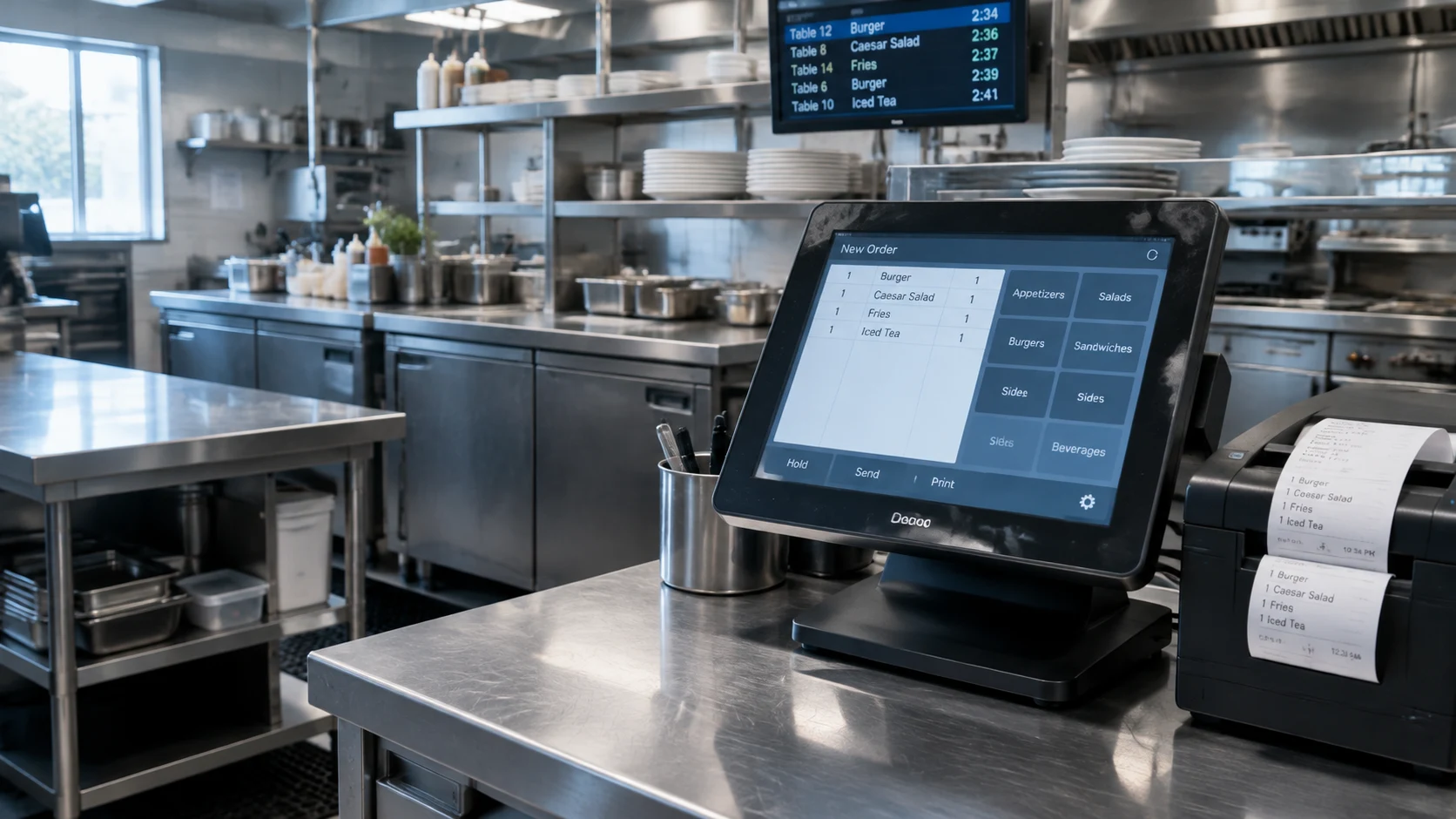
2POS or tabletThe order lands in your POS or on the order tablet.
3Ticket printedYour line sees a ticket like any other order.
4Courier dispatchedDelivery is booked when the order is ready to go.
Listed · a system we work withConfirmed · tested for your restaurant before launch
VERIFY BEFORE GOING LIVE
A receiving workflow your team can actually use.
01
Review the receiving path
We coordinate POS or middleware setup and an appropriate tablet, display or ticket workflow for your team.
02
Confirm payments and access
Verify payment configuration, staff access, menu approval and preparation capacity. Public sample checkout never takes payment.
03
Test fulfillment
We coordinate courier delivery alongside pickup and your existing fulfillment arrangements. Confirm service area, provider activation and charges during onboarding.
YOUR COORDINATED SETUP
Connect your restaurant systems.
POS & order receiving
We coordinate compatible POS and receiving workflows, with provider access confirmed during setup.
Payment processing
Provider configuration and testing required; charges are additional.
Email, TXT & advertising
Your growth team develops and manages campaigns; account activation, budgets and customer consent are confirmed before sending.
Delivery & marketplace channels
We coordinate courier delivery and marketplace setup. Service area, provider eligibility and activation are confirmed for your account.
KEEP MORE. GROW MORE. BUILD MORE.
Bring your setup. We’ll review the fit.
Share your goals and operating setup. Choose the support you need before agreeing a launch.
 Square

 Toast
 Clover
 Lightspeed
 TouchBistro
 SpotOn
 Revel
 Lavu
 CAKE
 Oracle MICROS
 PAR
 Focus
 HungerRush
 Slice
 Shopify
 SpeedLine